Prepare for launch
Bring your app description and real screens. Work through positioning, store copy, screenshot strategy and launch checks.
Launch workflow
Free open beta
Explore the workflows for Google Play and the App Store. Free open beta includes 1 app with Android + iOS and limited AI credits. You stay in control of approvals and publishing.
Join free betaStart where you are
You do not have to complete the launch workflow to work on a live app or create screenshots. Choose your starting point in the free beta.
Bring your app description and real screens. Work through positioning, store copy, screenshot strategy and launch checks.
Launch workflow
Add your public store listing and market. Go straight to reviews, competitors and store intelligence without completing Build first.
Growth workspace
Add the basics and open Screenshot Studio. Arrange your app screens, edit the text and refine the layout without launch setup.
Screenshot Studio
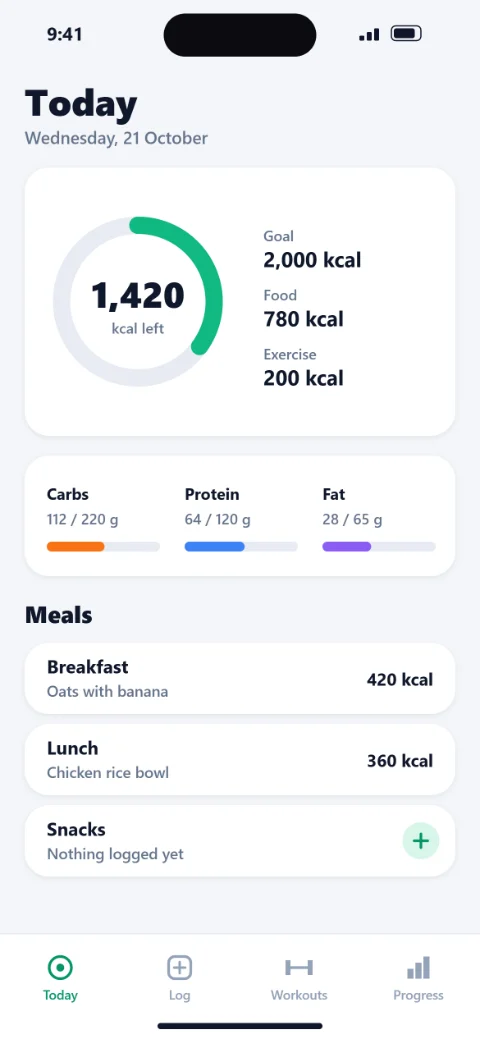
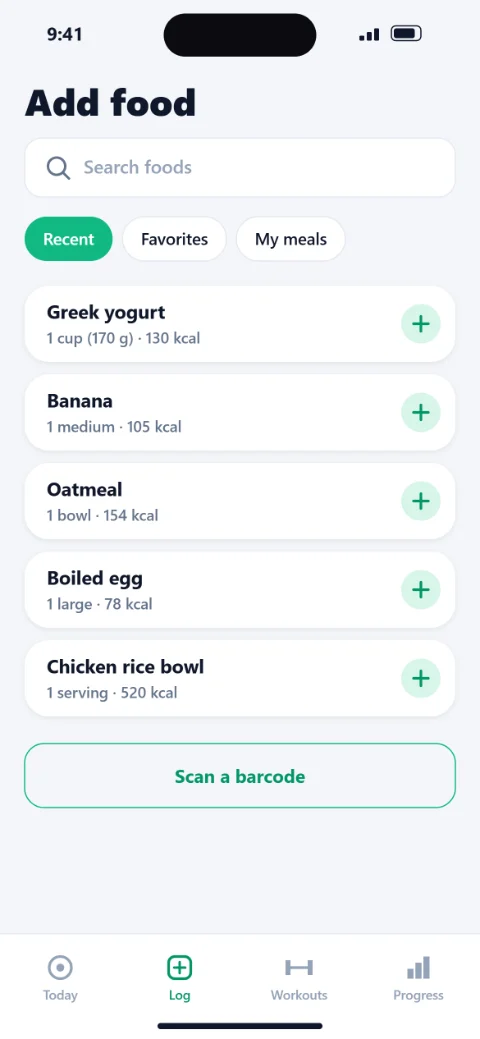
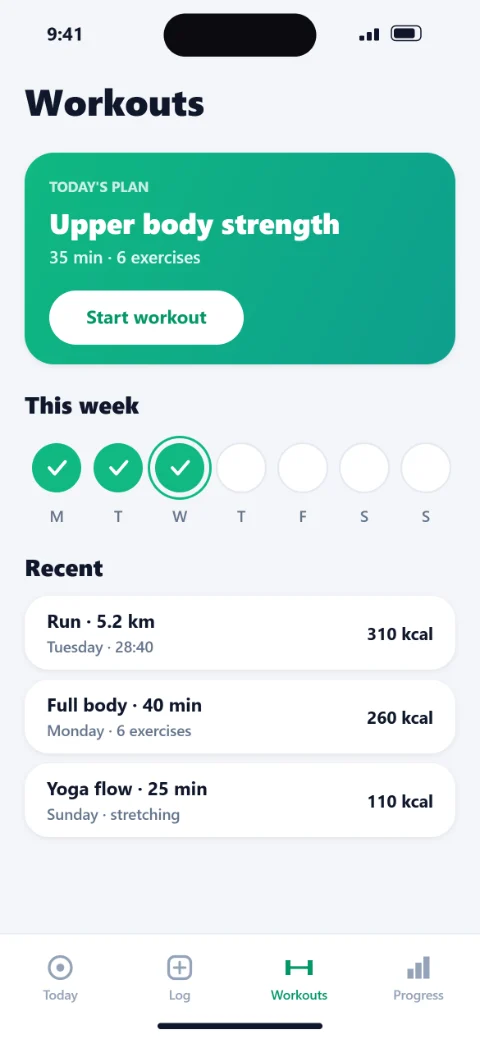
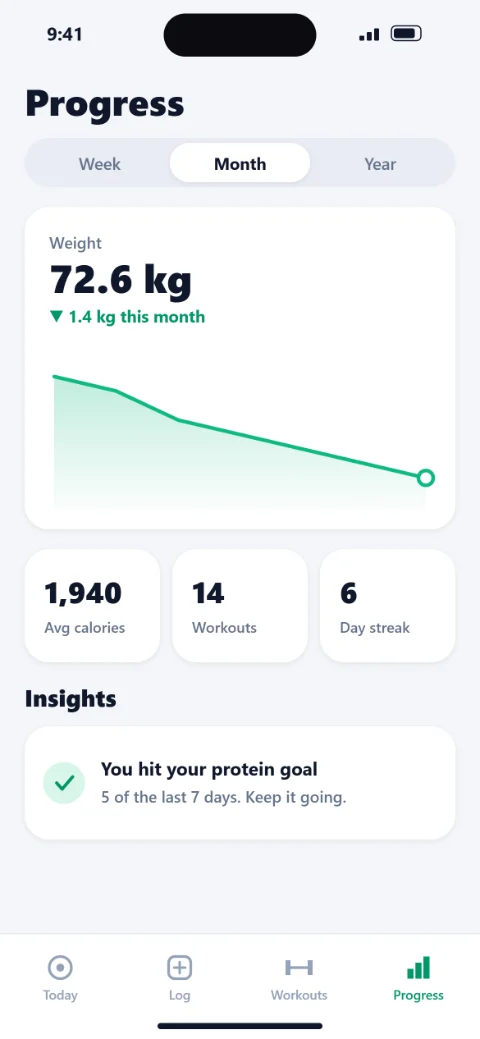
Create App Store and Google Play screenshots from your real app screens. Edit headlines, device layouts and backgrounds in AppOrient Screenshot Studio.
Plan and refine your Google Play title, short description and full description with app context, positioning and AI-assisted store copy in AppOrient.
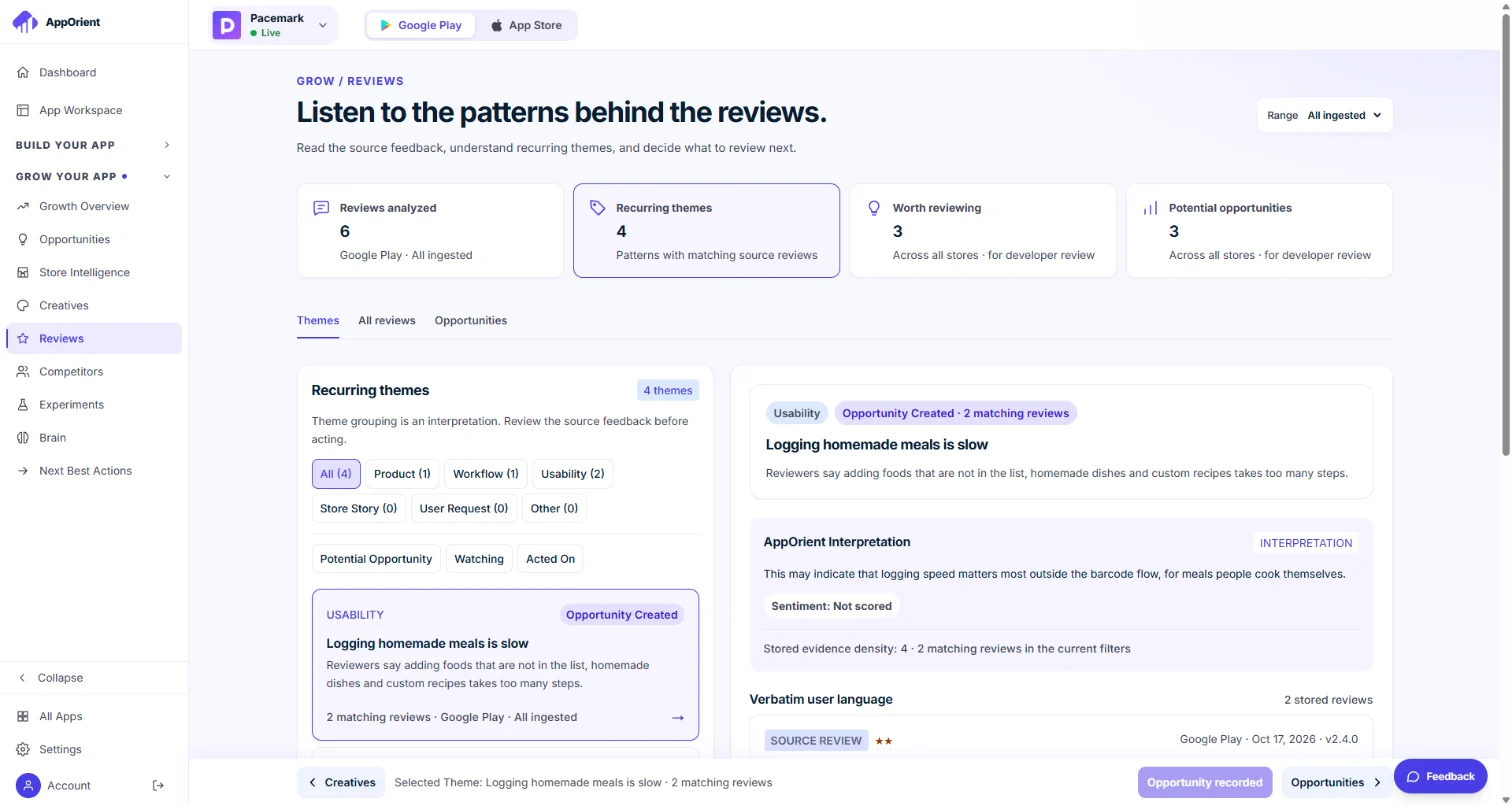
Review recurring themes in available app store reviews. Inspect supporting evidence and turn findings into opportunities worth reviewing with AppOrient.
Screenshot Studio
Watch a set take shape in about 25 seconds. You do not need to finish the launch workflow first.
Write it
Type the headline and supporting line for each screenshot.
Shape it
Resize the text and the phone, pick the backdrop.
Export it
Get a full set for Google Play and another for the App Store.
The real editor, shown with an invented example app (Pacemark). Nothing here is a customer's app or result.
What you get
Each step carries your app context forward. Research informs the positioning. Positioning shapes the copy and creatives. QA checks the package.
App analysis, review themes and positioning options tied to the available evidence.
Your chosen positioning becomes a strategy for each store, versioned.
Plan the sequence, then check that every image comes from real screens of your app.
Listing text, store images and launch checks together, with a developer handoff.
The visuals are illustrations with an invented example app (Pacemark), not customer results. Verified keyword rankings and search volume are not currently available. AppOrient is in free open beta: features are still being added and may change.
After launch
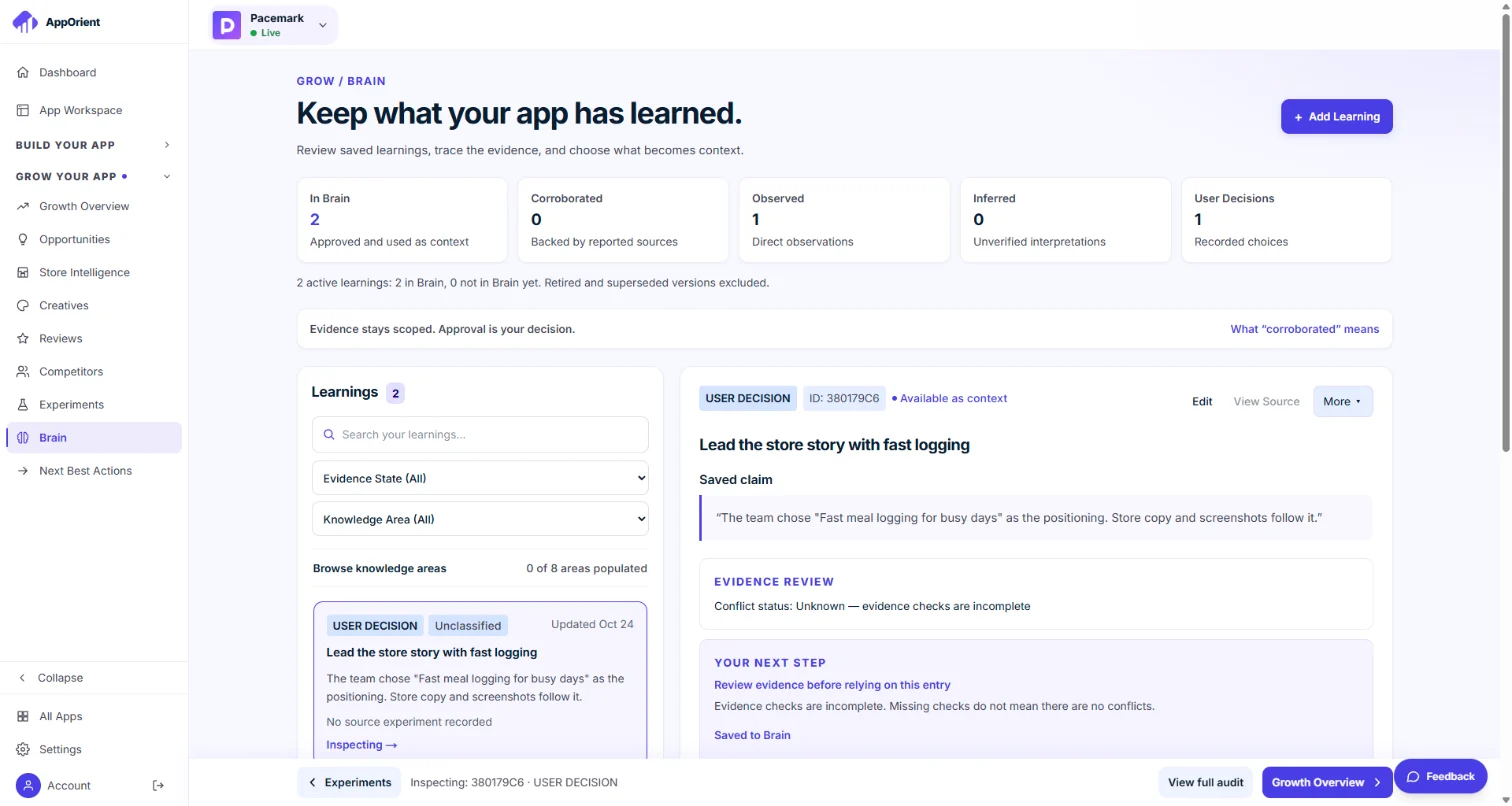
Bring reviews, competitor observations, creative versions and experiments into the same workspace as your launch decisions.
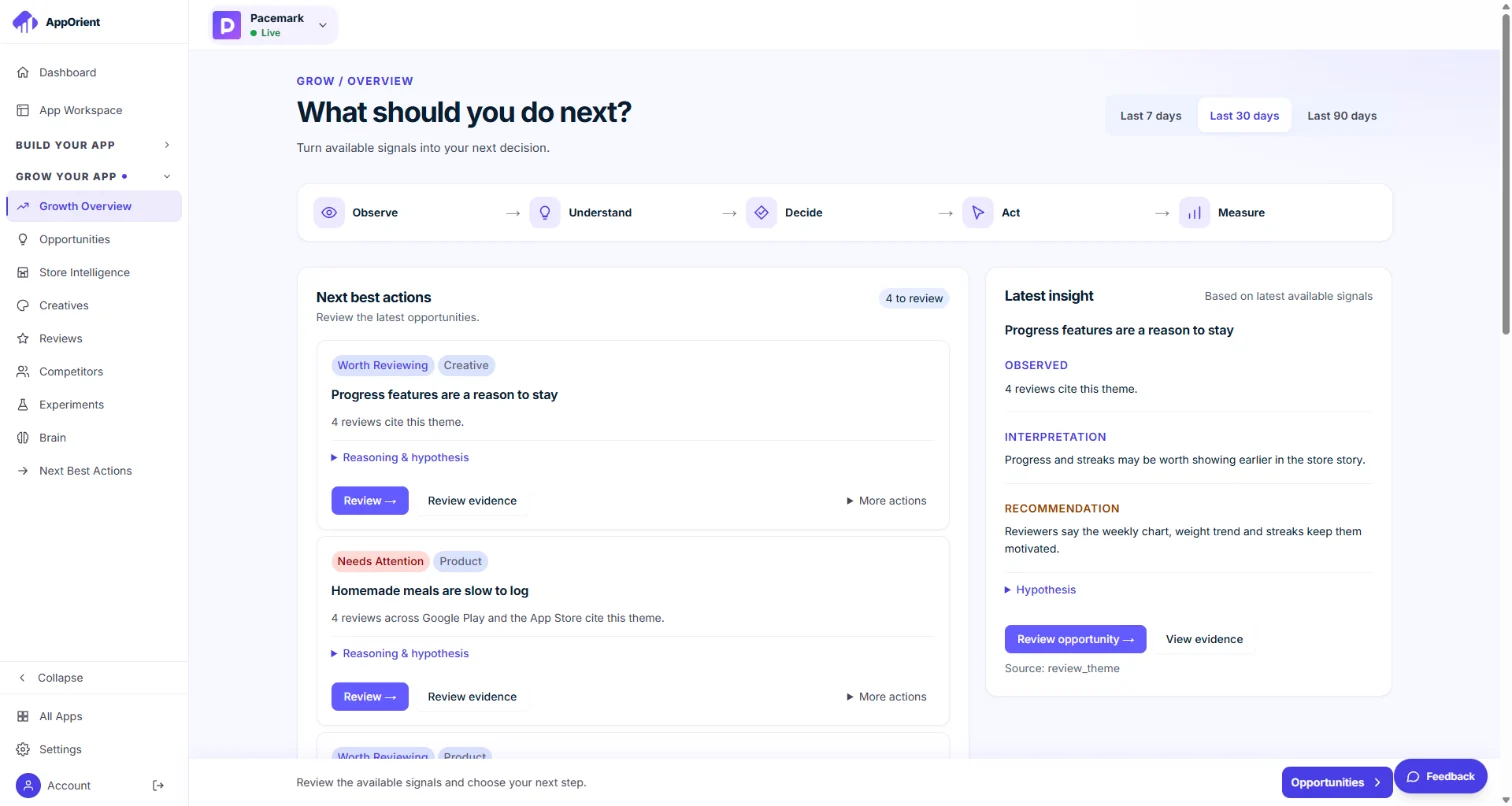
Opportunities worth reviewing, each with the insight behind it.
Public reviews are grouped into themes, each one linked to the reviews behind it.
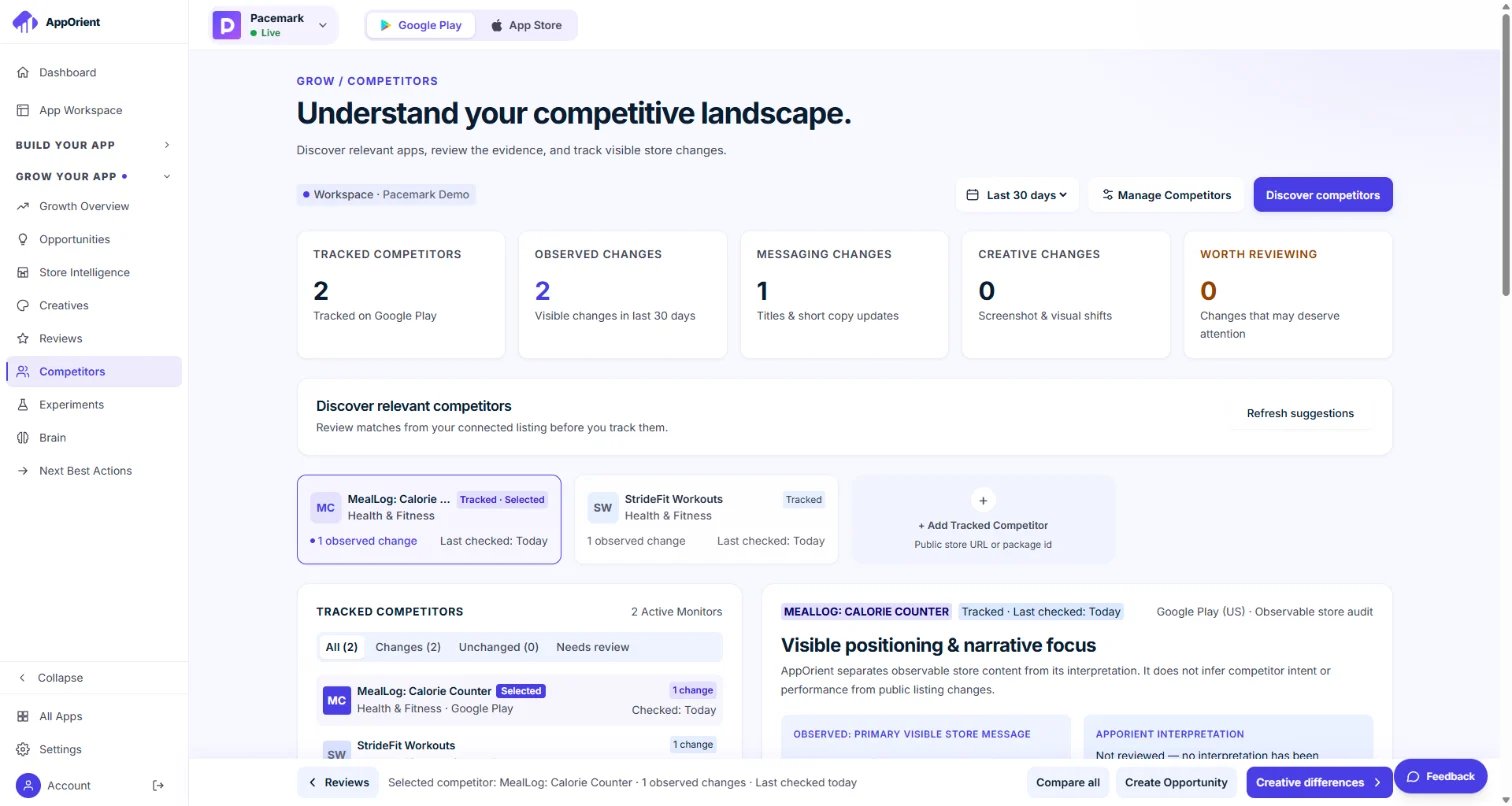
Recorded store changes from the apps you watch, kept with the date they were seen.
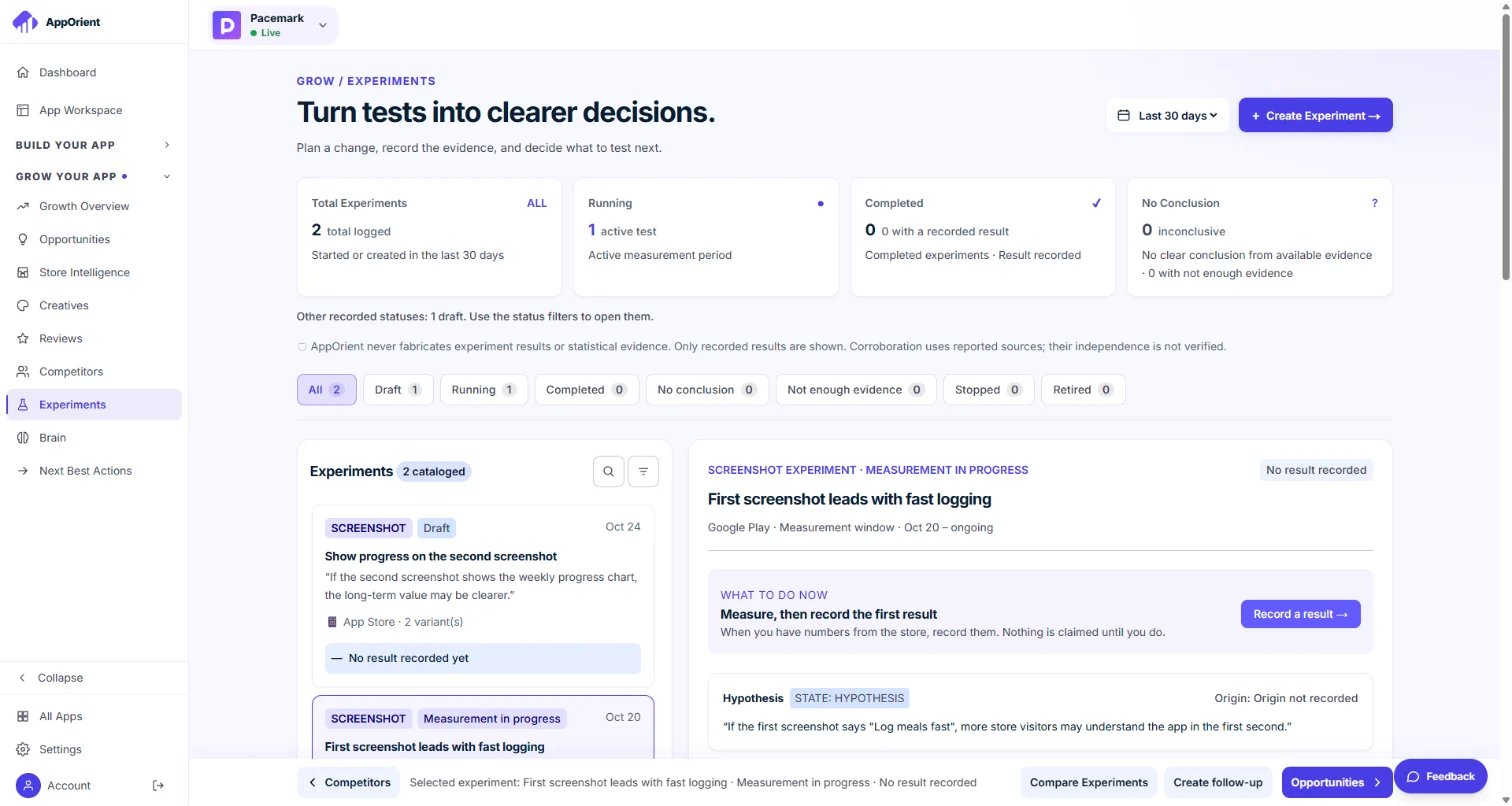
Write a hypothesis before you change the listing. Results stay empty until they are measured.
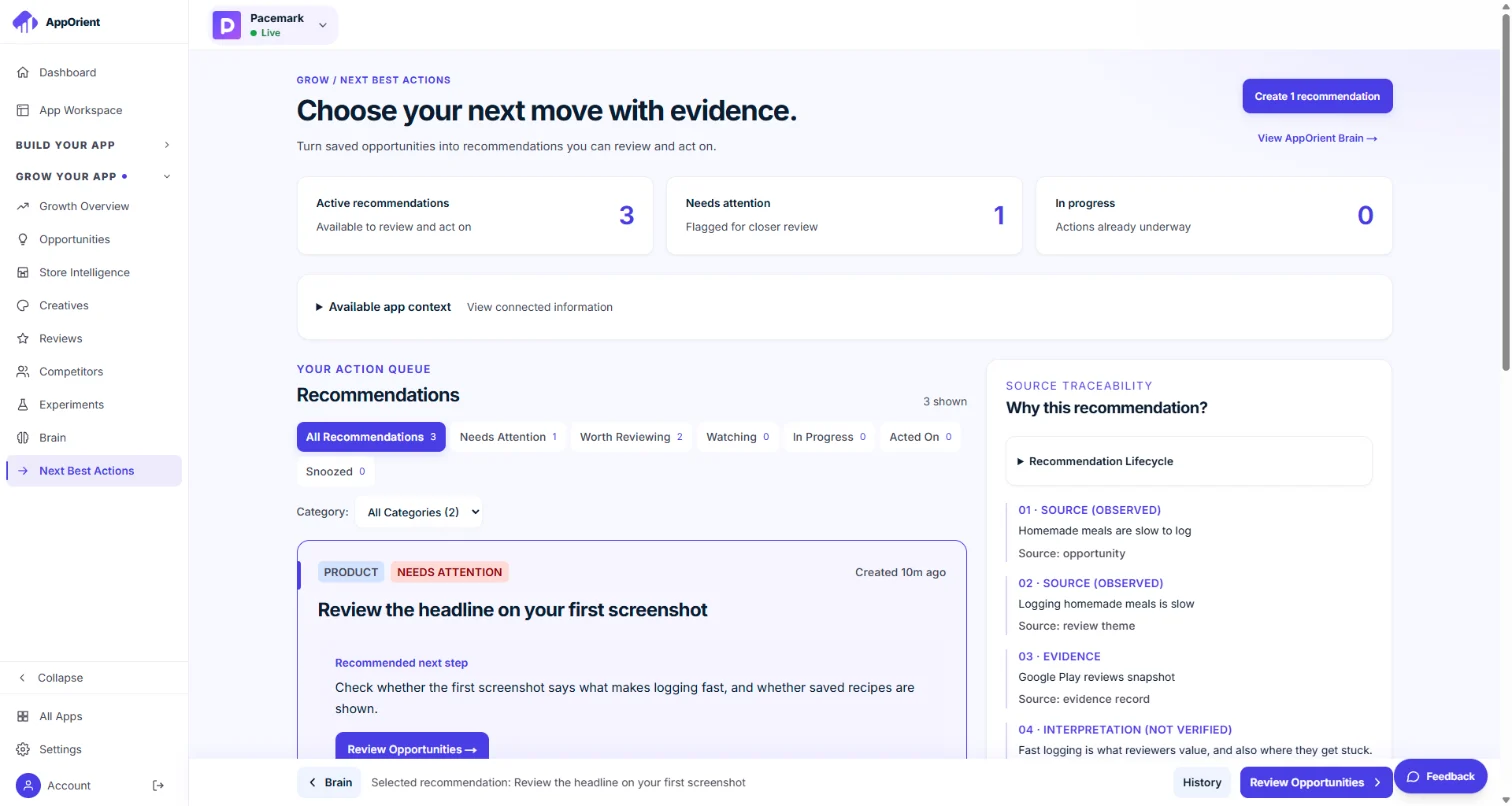
Recommendations worth reviewing, each with the reason and the evidence it came from.
The visuals are illustrations with an invented example app (Pacemark). Performance data such as installs is not connected. AppOrient does not promise ranking or growth outcomes. Read the practical mobile app growth guide.
Trust & evidence
A recommendation should give you something to inspect, not just something to believe.
Review the sources behind an insight and distinguish observations from interpretations.
Choose the positioning, review the copy and approve the assets. You confirm readiness and publish.
Missing sources and unmeasured results are labeled. AI suggestions are not proof of demand.
How to read one
Every insight is split into the same four parts. This is an illustrative example, not a finding about your app.